
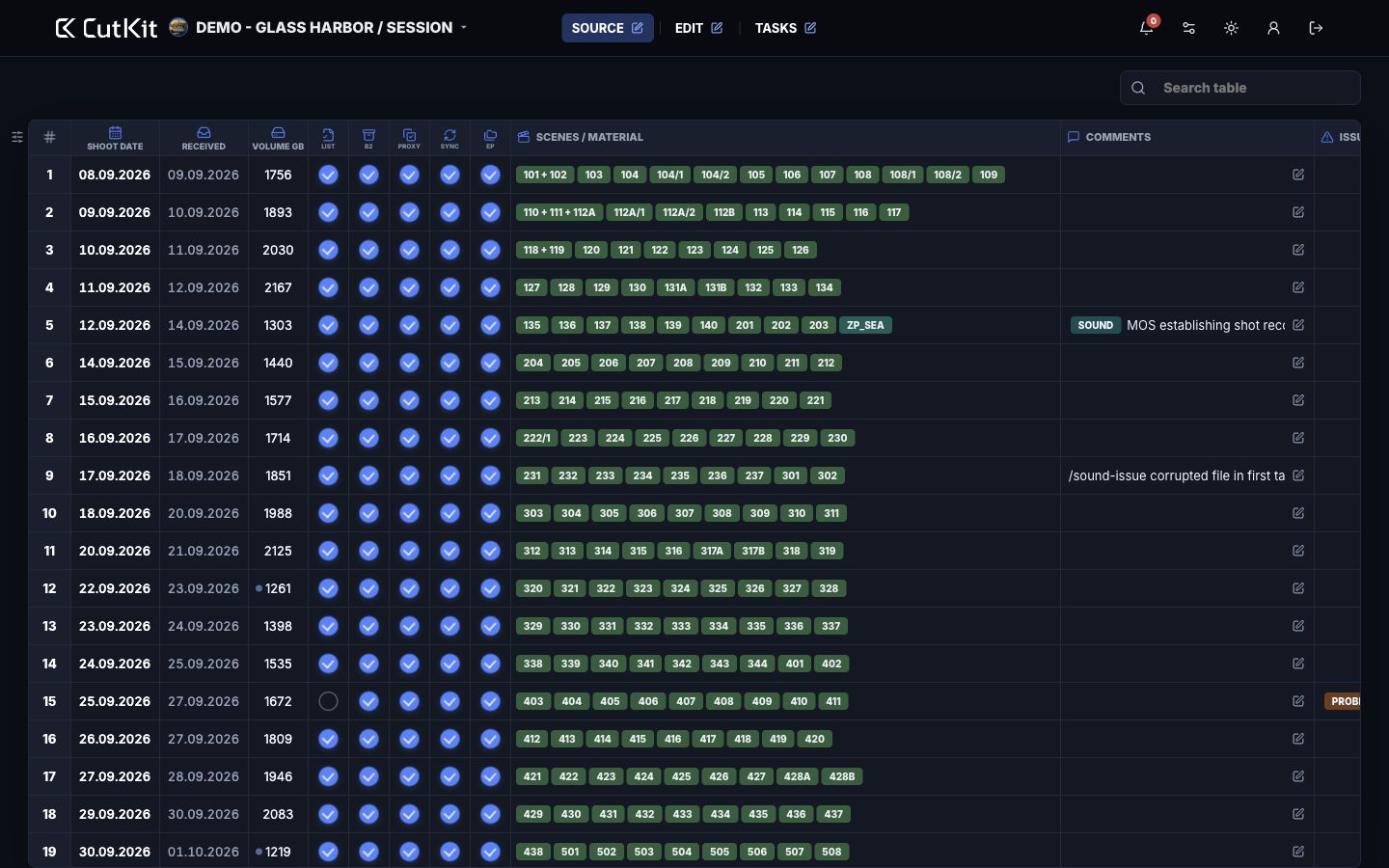
Source
Track shooting days, material volume, production reports, backup, proxy, sync, scene links and notes before the edit team depends on them.

Post-production coordination system
CutKit helps film and series post-production teams coordinate incoming source material, edit progress and tasks in one production workspace.
Workflow
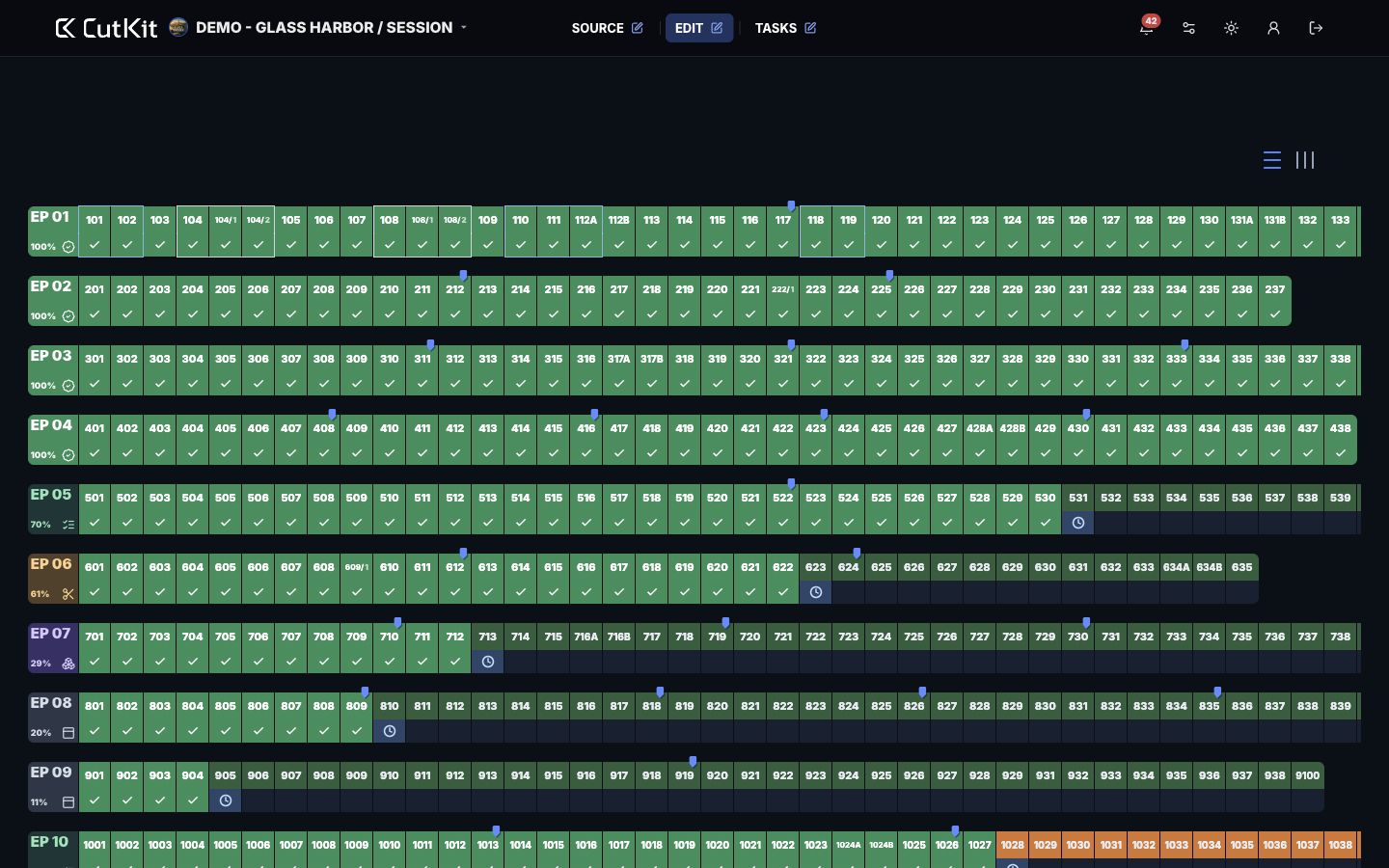
CutKit follows the working chain: source material is logged in Source, edit readiness is visible in Edit, and graphics, sound, color, rights and QC tasks are coordinated in Tasks.
Track shooting days, material volume, production reports, backup, proxy, sync, scene links and notes before the edit team depends on them.
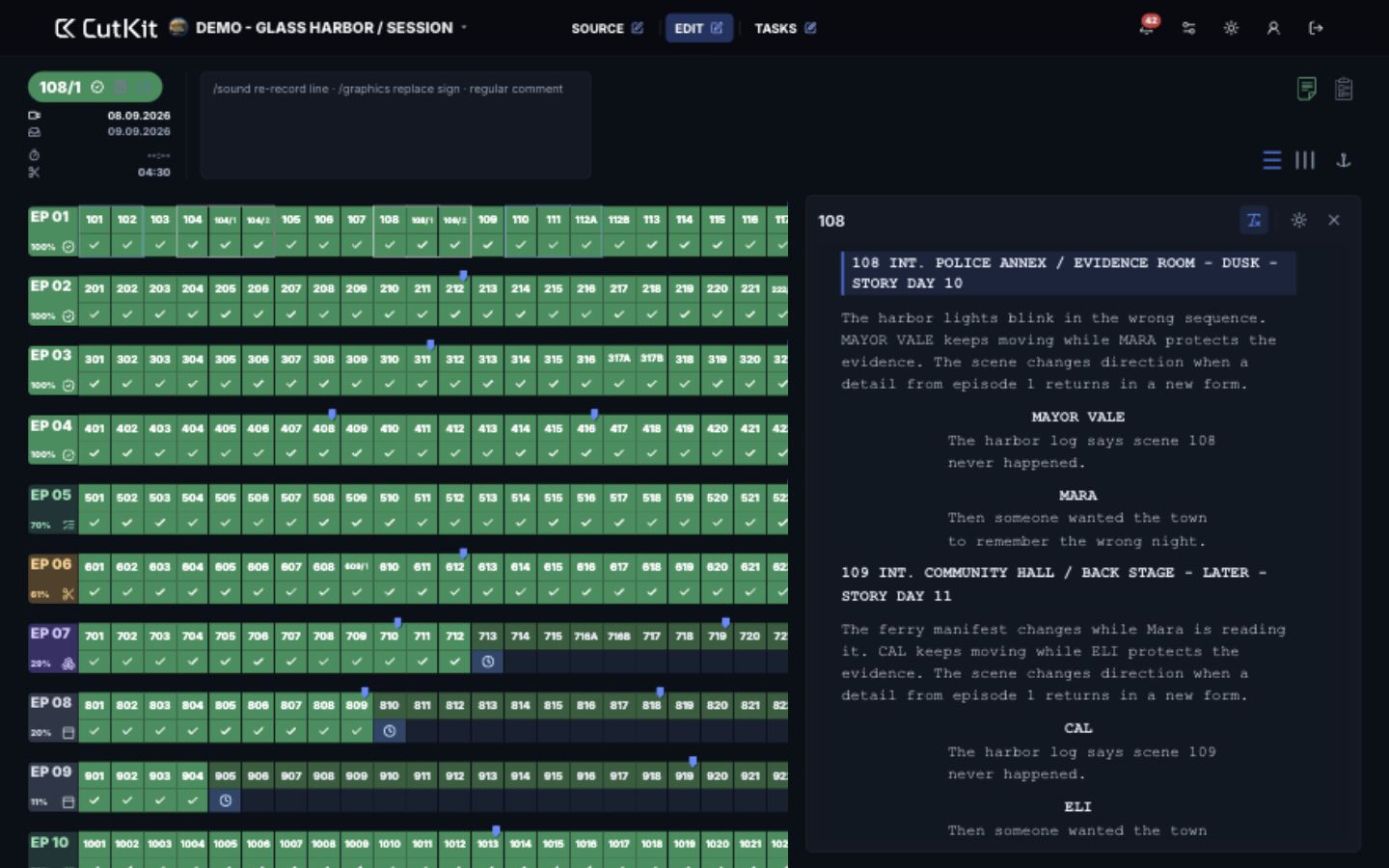
Work from script breakdown to selected scenes: the scene card, comments and script excerpt stay together with practical navigation.
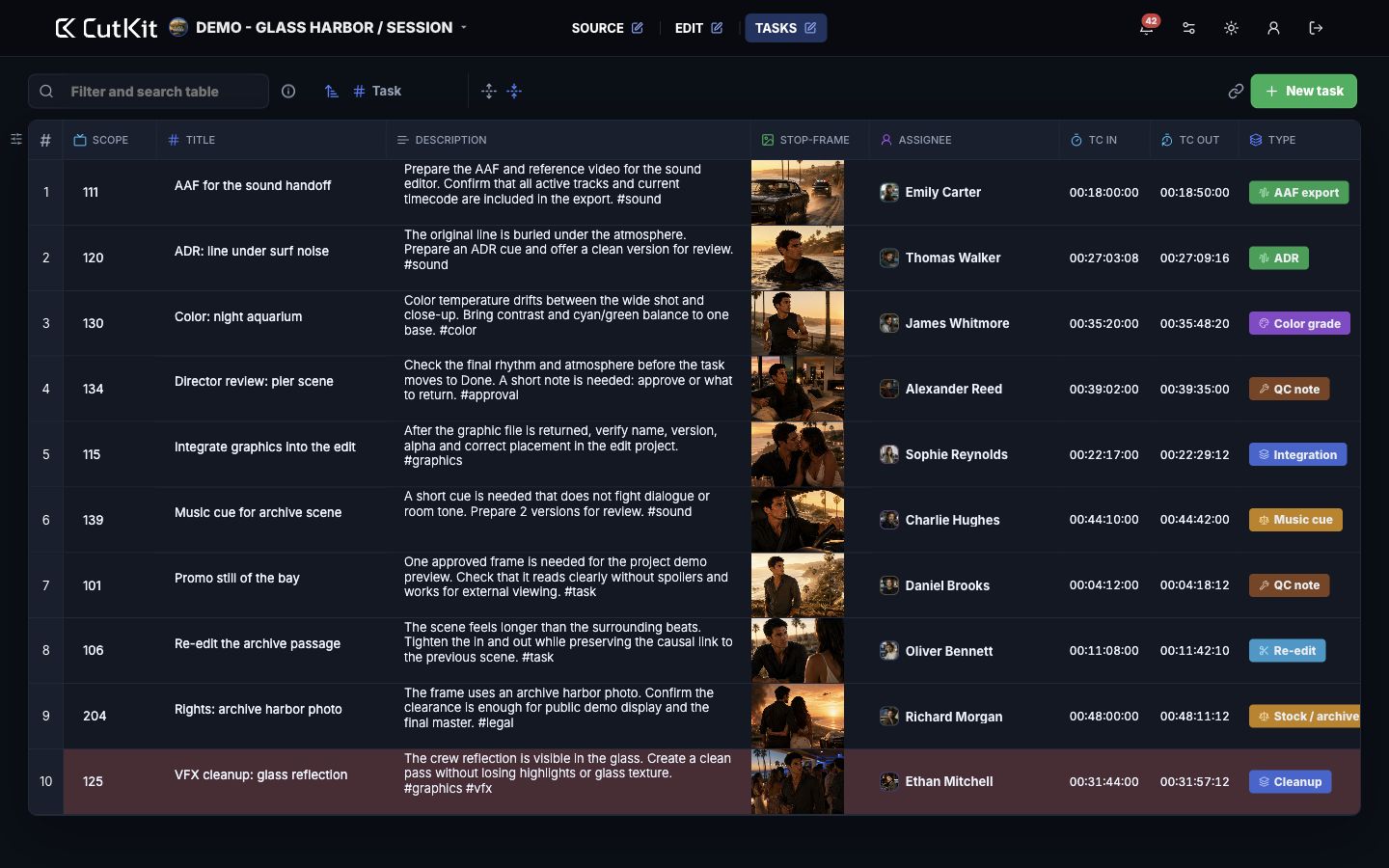
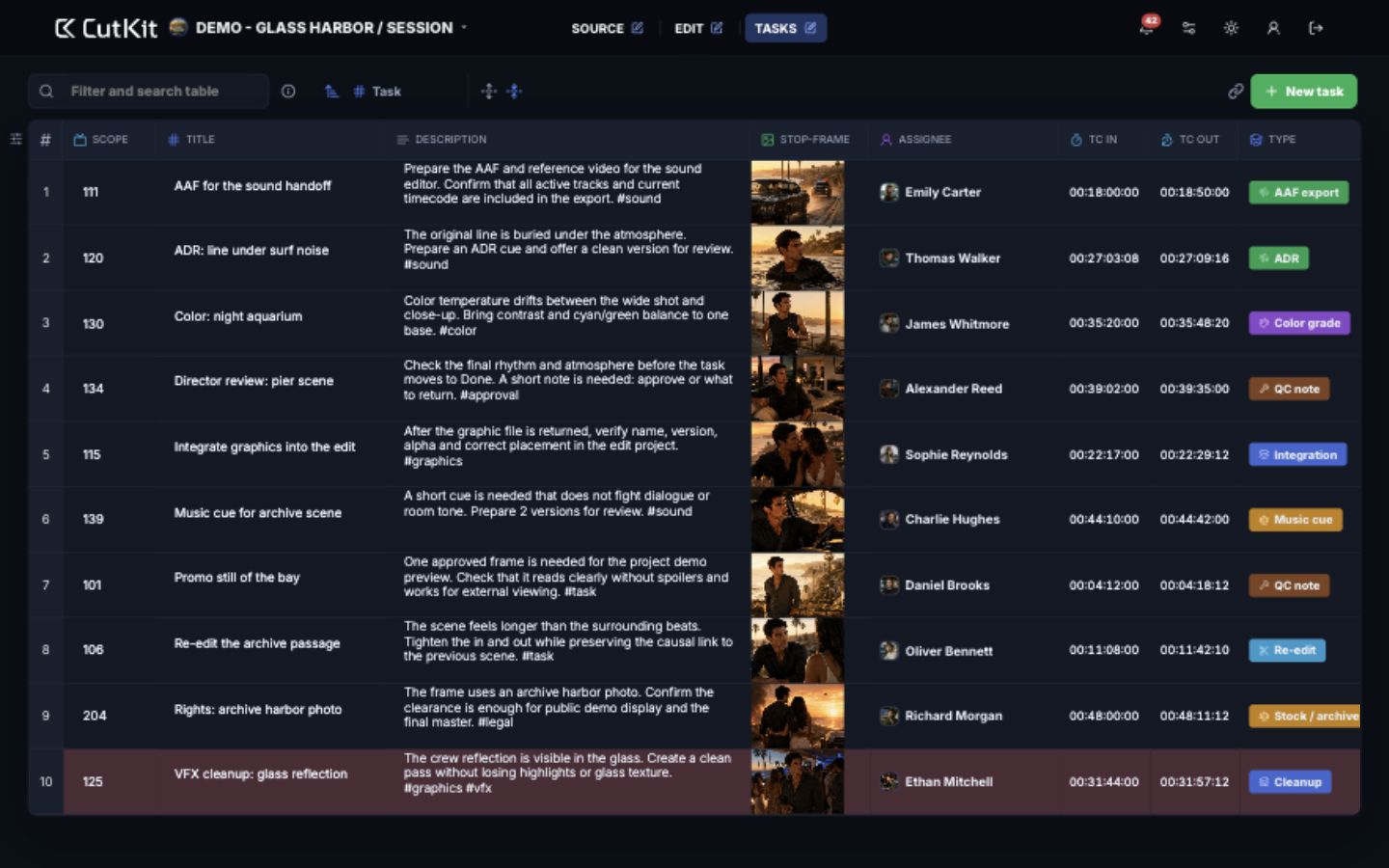
Create tasks for graphics, sound, color, rights, QC and other streams. Tasks shows the assignee, status, due date, links, timecodes and roadmap stage for each item.
Why it helps
Coordinators, editors and post-production leads see one working chain: what arrived, which scenes are ready, and which tasks move the project forward.
Security
CutKit is designed for teams that handle sensitive production materials: scripts, tasks, comments and links to work files. Project access is membership-scoped, permissions are checked server-side, public traffic uses HTTPS, and production backups run on schedule. Details and current limitations are available on the dedicated security page.
Current access
Free nowCutKit is open for free working trials at this stage: create a project, invite a team and use the available Source, Edit and Tasks workflow without choosing a paid plan.